Connections
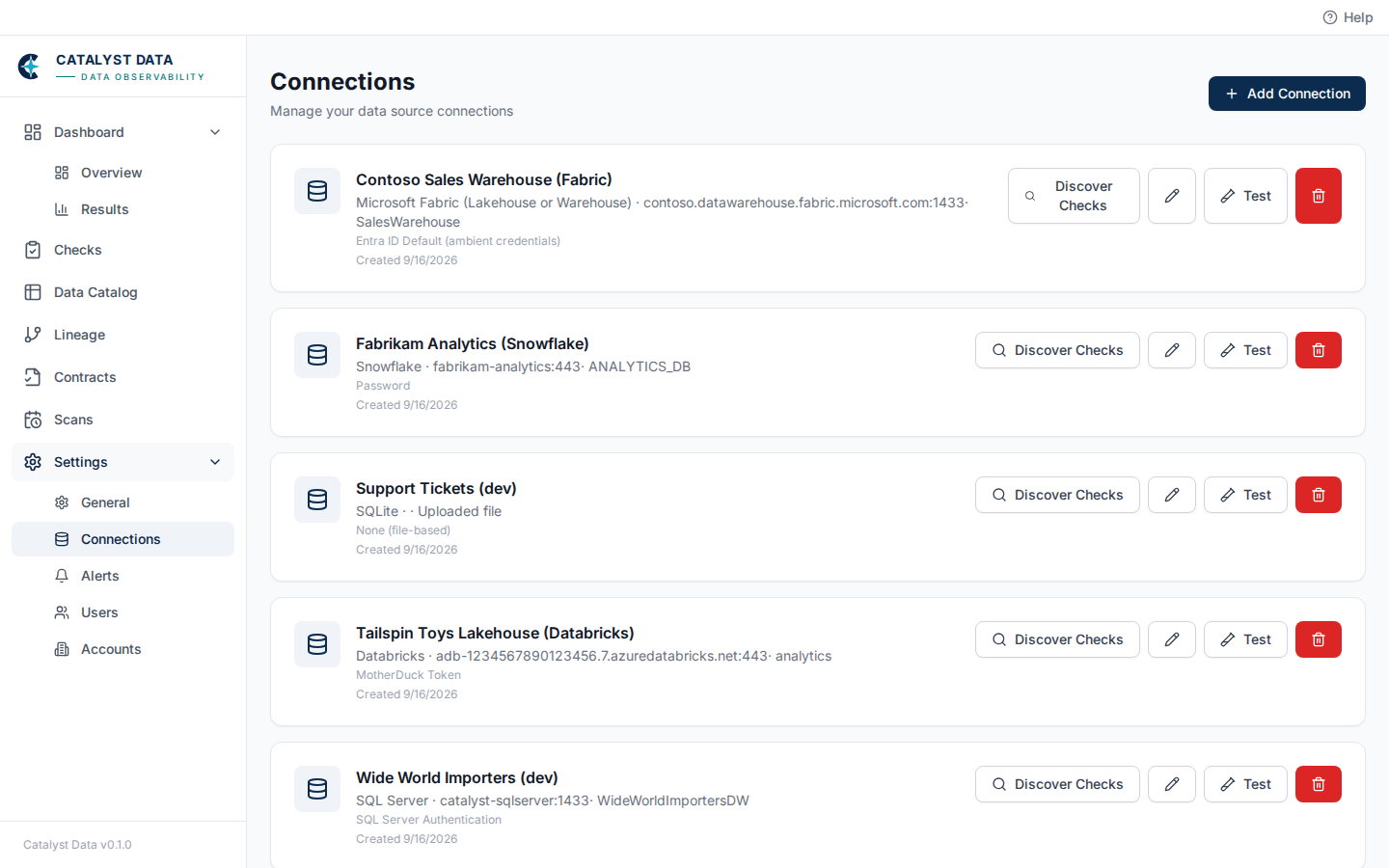
Every data source connection in your account, with its type, host, database, and authentication method at a glance. Add Connection opens the setup form — see Connect a data source for credential setup per connector type. Each connection offers:
- Discover Checks — scan the connection and open Recommendations for suggested checks
- The edit (pencil) icon — update credentials or connection settings
- Test — verify the connection can actually reach the data source
- Delete — remove the connection and everything configured against it
Once a connection exists, add checks to it from the Checks page.